How to Start with Payxem
From signup to your first sale in under 60 seconds. No monthly fees. No complexity.

Create Your Free Account
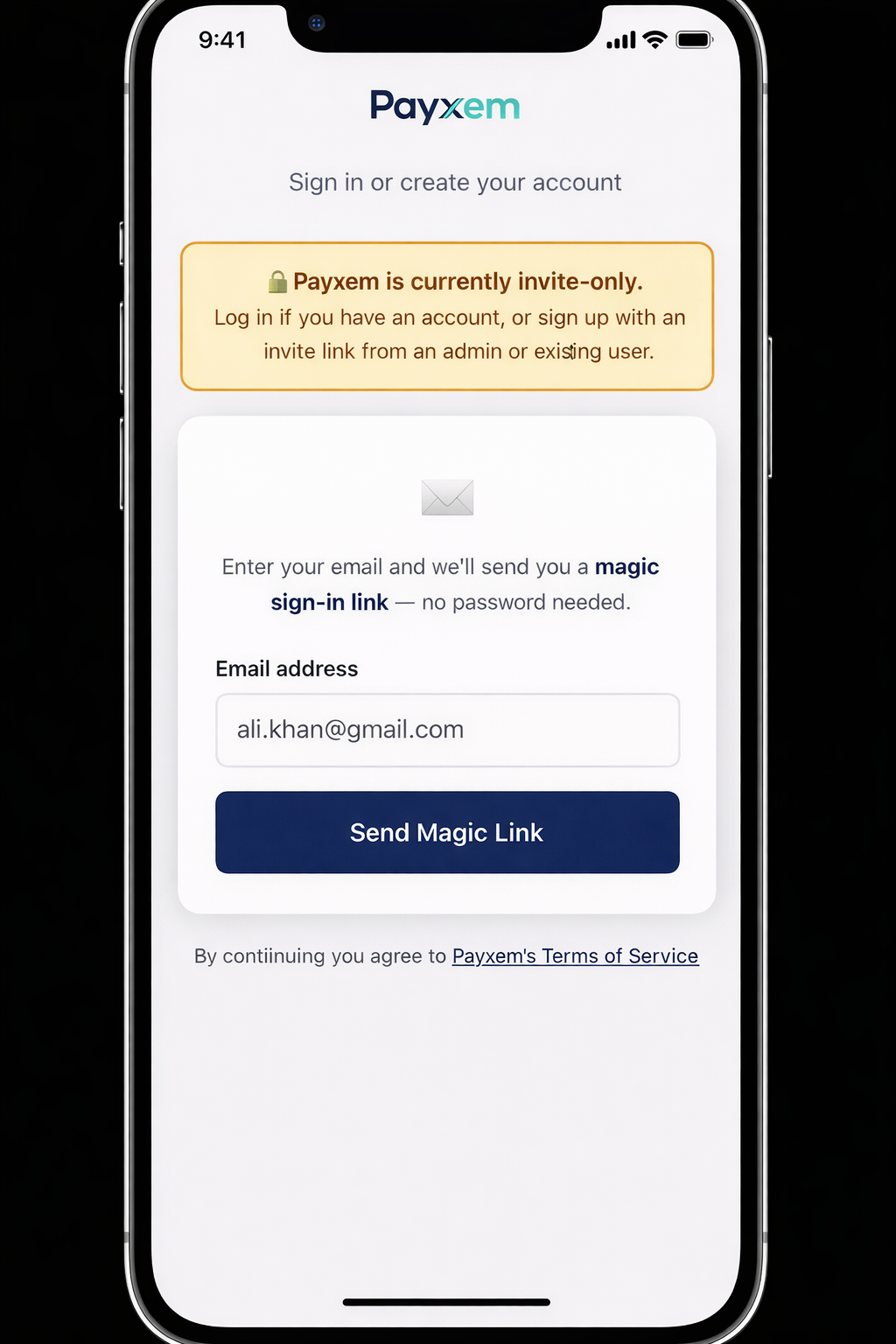
Sign up at app.payxem.com using your email. No credit card needed. No monthly fees.
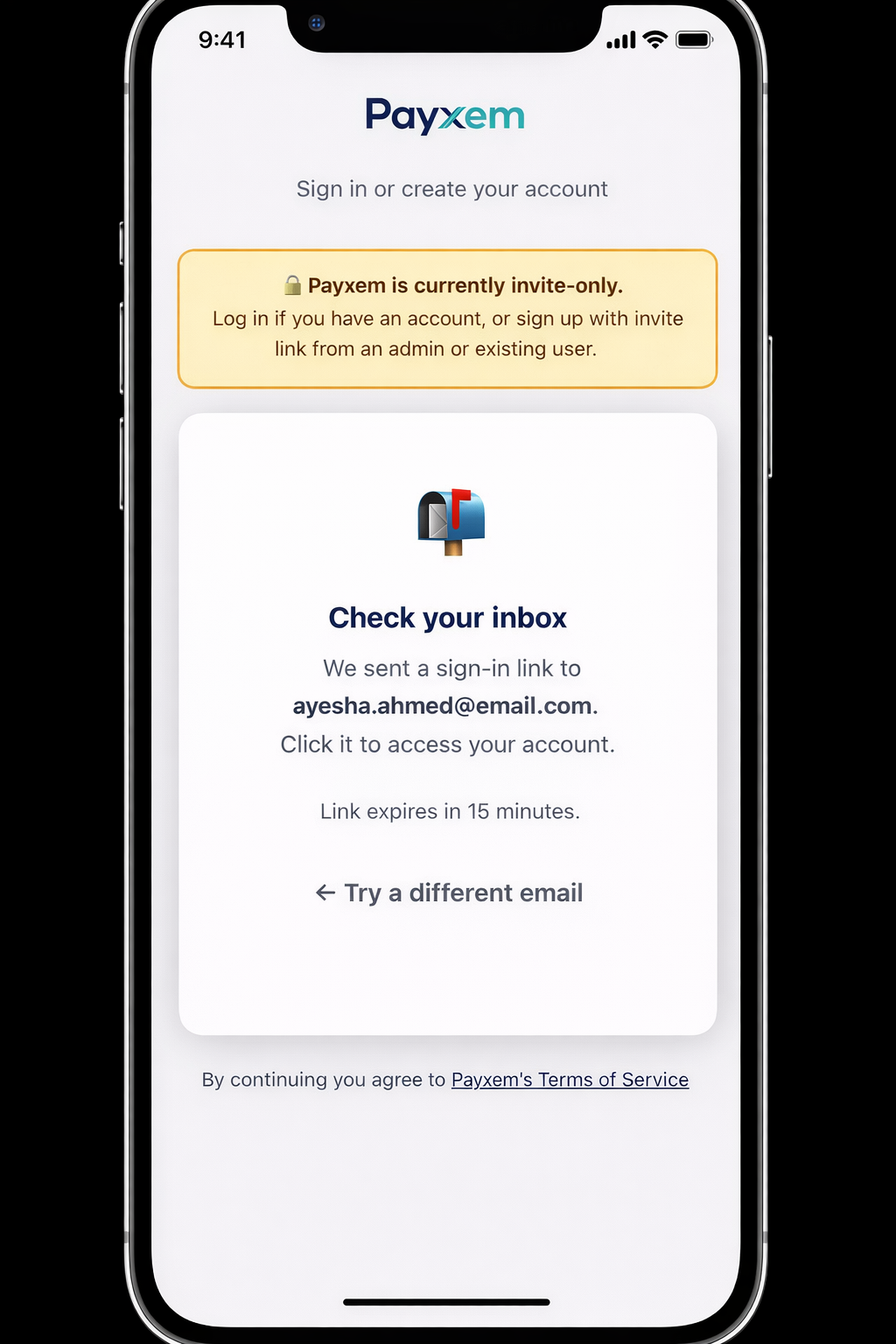
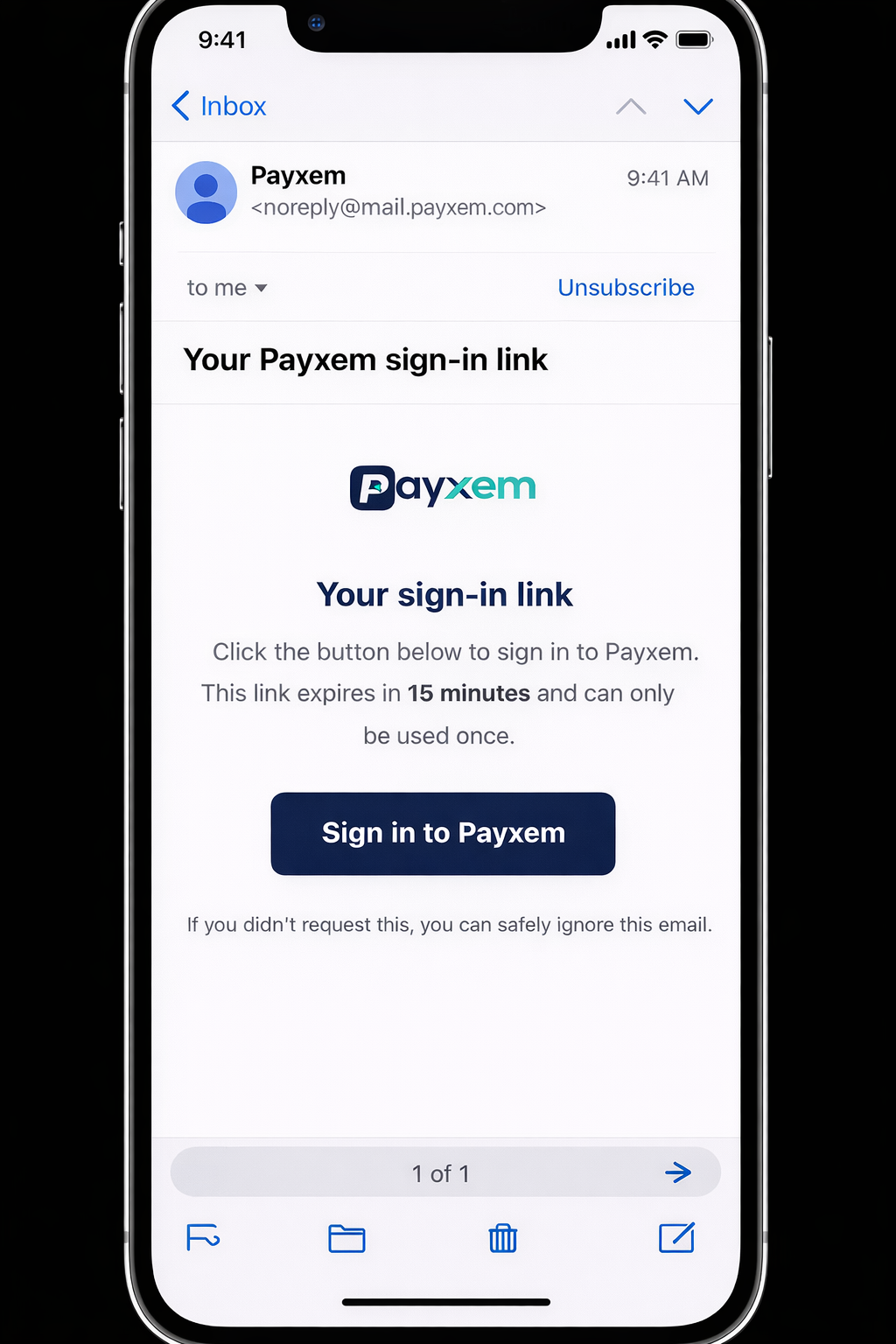
You will receive a magic link to verify your email and log in securely. Open the email, tap Sign in to Payxem, and you are in.
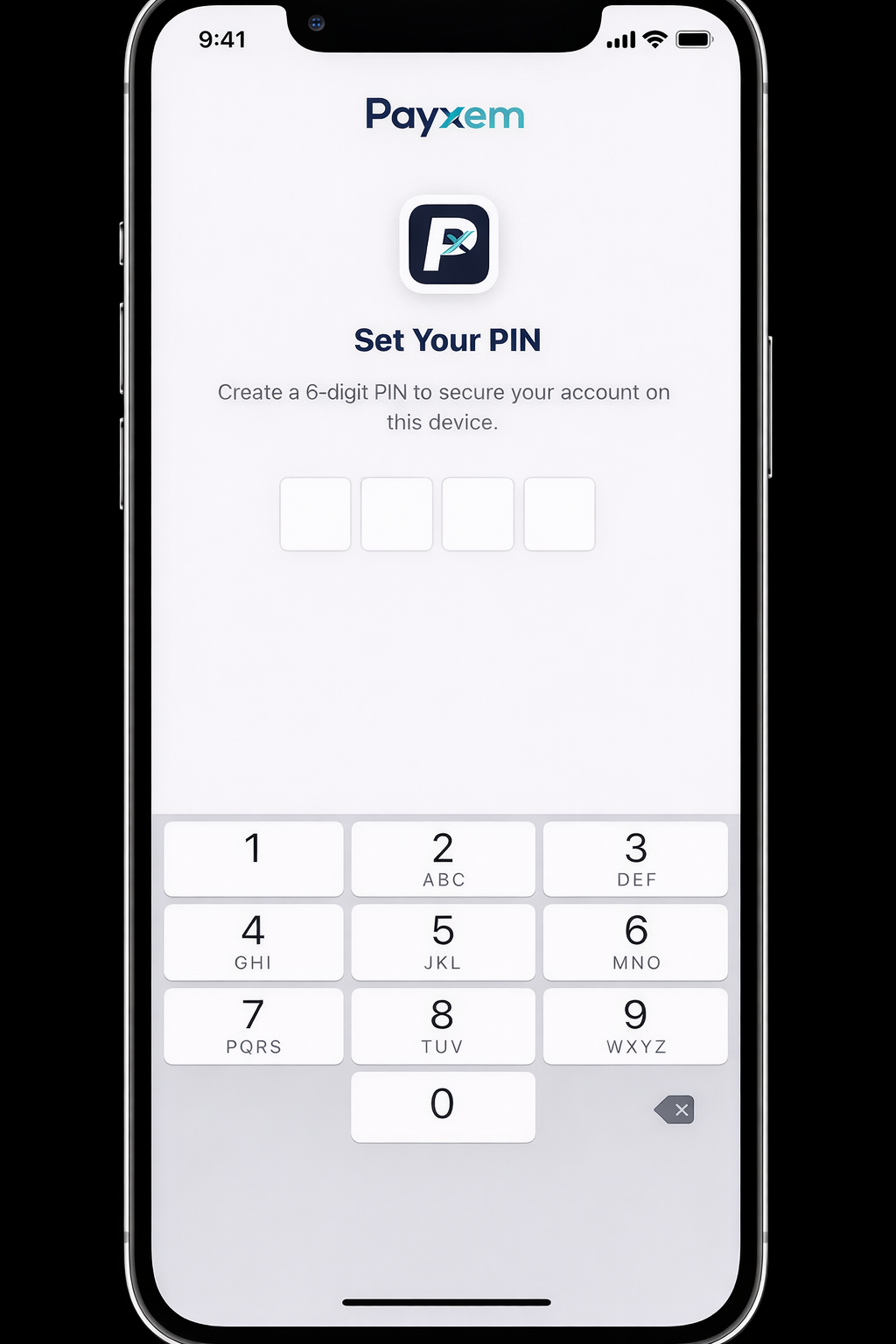
Set Your PIN
After signing in, set a secure PIN for quick access to your dashboard. You can also enable biometric login (fingerprint or face recognition) for faster access.
Complete Your Profile
Add your business name, service type, and location. This information appears on your invoices and helps clients trust you.
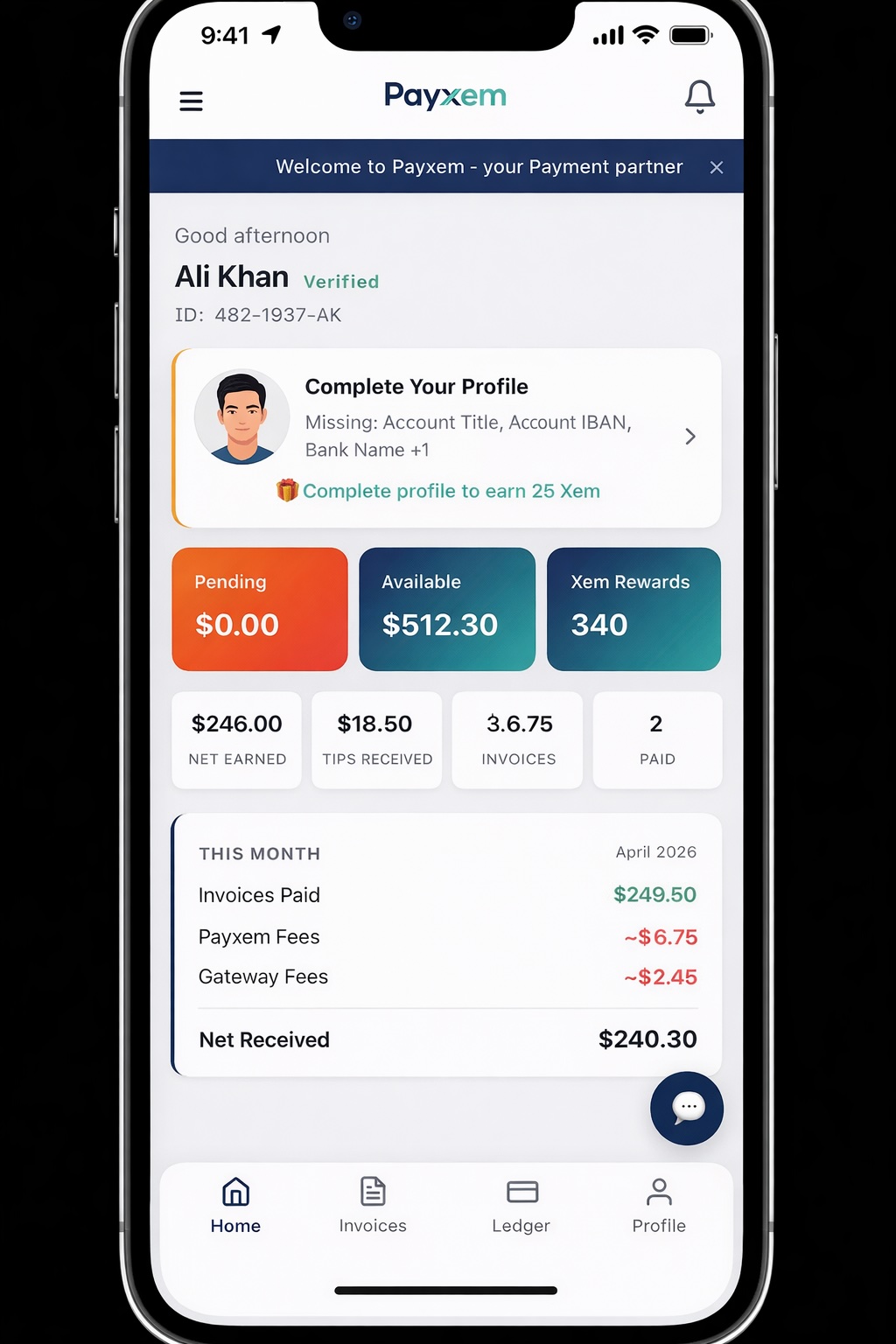
Set Up Your Payout Method
Go to your profile and add either:
- Bank account (IBAN, account title, bank name) for local withdrawals
- Crypto wallet (USDT address and chain) for fast international transfers
Verify Your Identity
Complete KYC verification to unlock withdrawals and higher limits. The process takes a few minutes through our verification partner. You will need a valid government ID.
Build Your Seller Page
Give buyers a page to arrive on. Your Portfolio lives at yourusername.payxem.com. From your dashboard, open My Portfolio, fill the About block, add your services, optionally enable gallery, testimonials, FAQ, and stats, then publish. Avatar, name, and socials are inherited from your Payxem profile, so you only update them in one place.
Every service and every "Hire Me" button is wired to a Payxem pay link, so a visitor can read your pitch and pay you in the same session. Portfolio is currently in private beta, contact support@payxem.com if you'd like early access.
Sell Your Digital Products or Services and Get Paid
Share a payment link or send a professional invoice. Both route your buyer to a secure checkout where they can pay by PayPal, credit/debit card, Apple Pay, Google Pay, or cryptocurrency.
Option A, Payment link for anything you sell repeatedly (a package, a service, a digital download):
- Tap Create Payment Link or Service Link from your dashboard
- Name the item, set the price, and (optional) upload a cover image
- Share the link anywhere, your bio, DMs, invoices, or a QR code
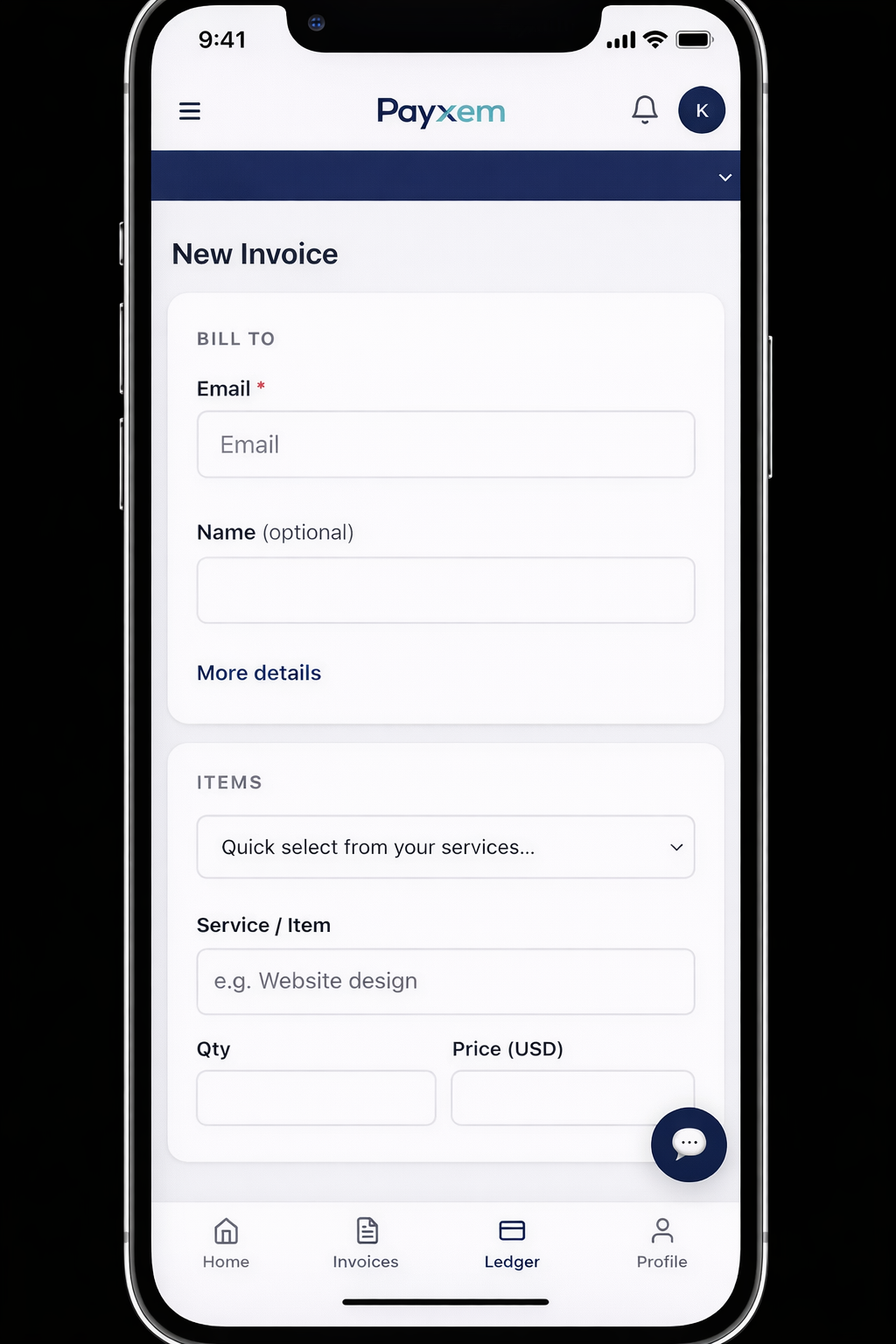
Option B, Invoice for client-specific work (a project, retainer, or custom quote):
- Tap Create Invoice from your dashboard
- Enter your client's email
- Add line items with description, quantity, and price
- Set a due date
- Choose whether to pass the processing fee to your client (optional)
- Hit Send
Your buyer receives a clean checkout. You see the payment land in your wallet.
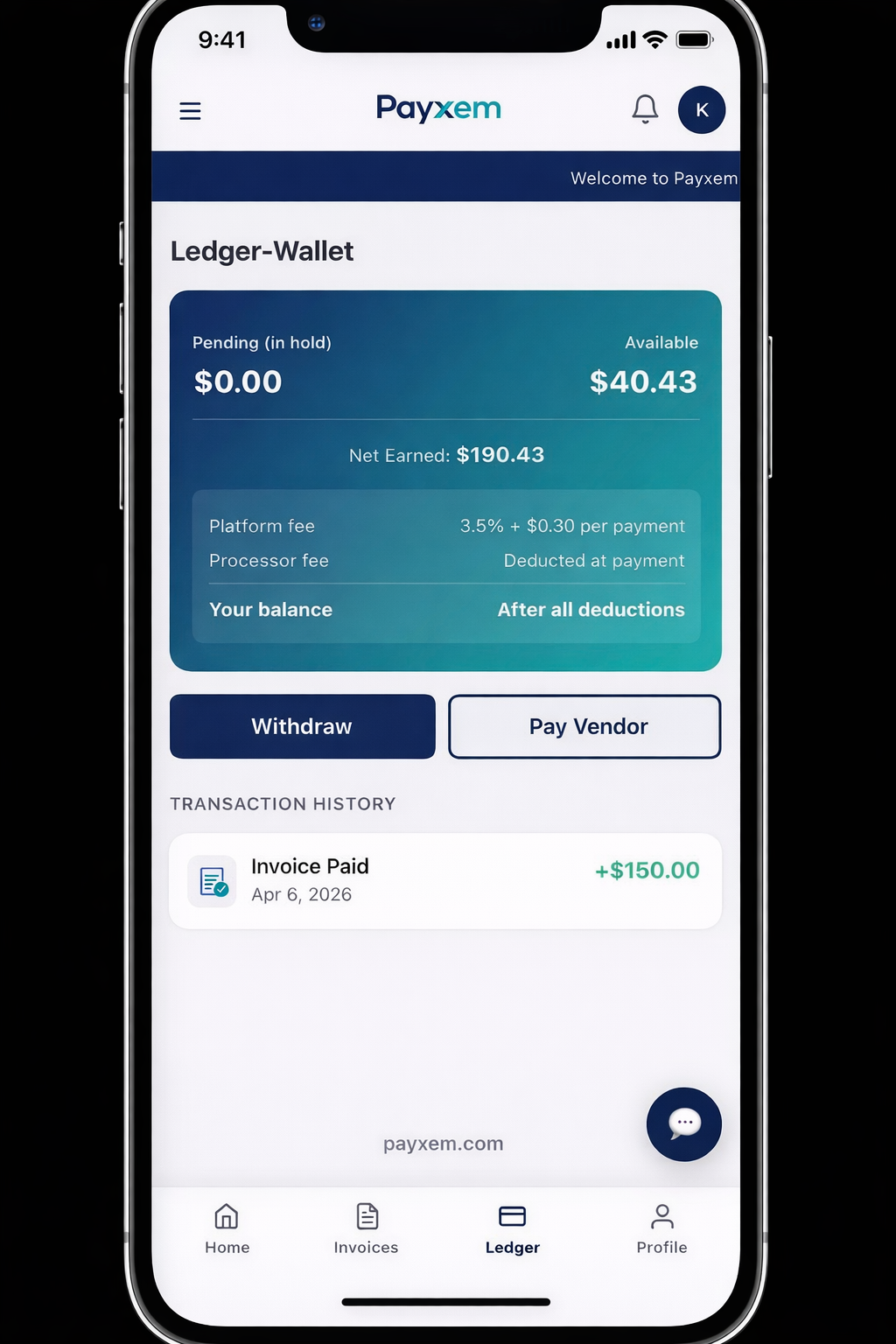
Track Your Earnings
Your dashboard shows everything in one place:
- Pending balance (payments in clearance, released within 7 business days)
- Available balance (ready to withdraw)
- Transaction history with fee breakdowns
- Invoice status (draft, sent, paid, completed)
Withdraw Your Money
Once your balance is available, request a payout to your bank account or crypto wallet. Payxem does not charge any fee on withdrawals. Standard currency exchange or bank transfer fees may apply by partner or processing banks. The system will review and approve (or may reject with reason, such as low balance or an active dispute) your request at the earliest possible. Your bank may take 2-3 business days to process the transfer.
Earn Reward Points
You earn 1 Reward Point for every $1 you get paid on an invoice, and $1 for each user you refer who joins and verifies (terms apply). Redeem points for USD credit in your wallet. Referral and joining bonuses become withdrawable once you receive at least $50 in payments within 60 days of joining. Read the full Refer and Earn guide.
Need Help?
Tap the chat icon to talk to XemGen, our AI assistant. It understands your account, answers questions about fees, payments, and features, and responds in your language (Urdu, Hinglish, and English).
Sign up (60 seconds) → Complete profile → Build your seller page → Share a link or send an invoice → Get paid → Withdraw. No monthly fees. You only pay up to 2.5% + $0.30 when you receive a payment. Payment processor fees vary.
Ready to Get Paid?
Create your free account, send your first invoice, and start collecting payments today.
Create Free AccountNo credit card required. Start in under 60 seconds.