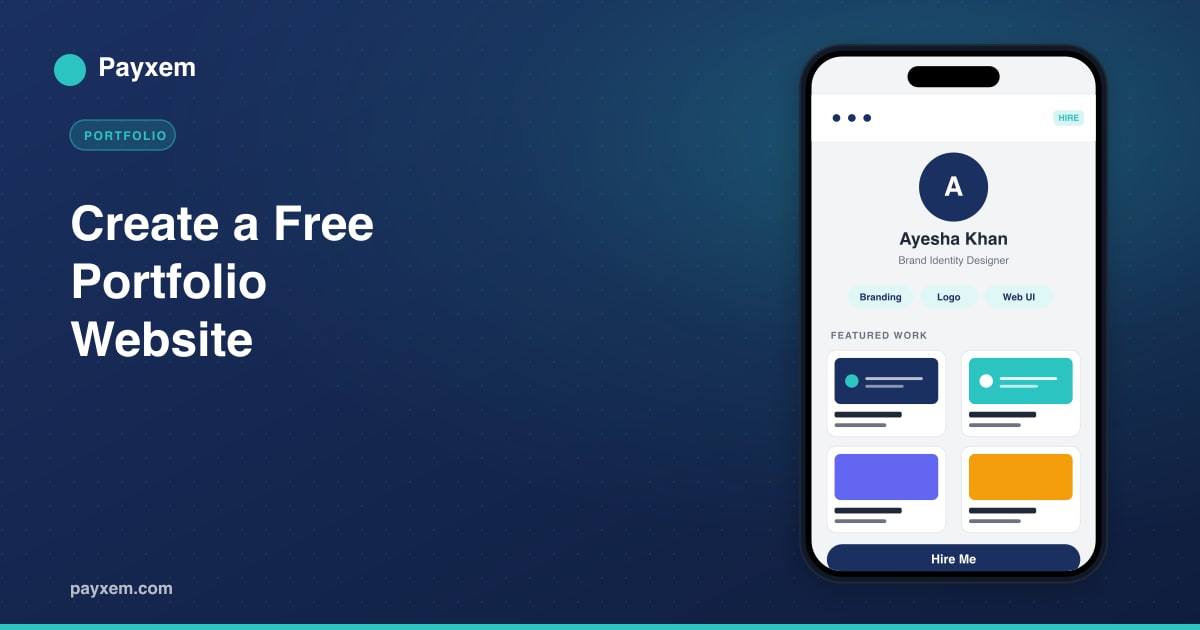
Your portfolio is the fastest way for a new client to decide whether to hire you. It is also the slowest thing most freelancers ever get around to building.
That is the gap Payxem closes. With a single account at app.payxem.com, you get a clean, hosted portfolio website, a digital business card, and a full payment system, all linked together at one URL. No hosting bill. No plugin fights. No monthly subscription.
This guide walks you through building a free portfolio website on Payxem that looks professional, ranks on search, and turns visitors into paying clients.
Why Your Portfolio Matters More Than Your Resume
Before a client sends you a message, they look at your work. A good portfolio does three jobs at once:
- Proves your skill through real project examples.
- Builds trust through testimonials, clear positioning, and a recognizable brand.
- Shortens the sales cycle by answering “what do you do, for whom, and how do I hire you” without a single meeting.
A resume lists tasks. A portfolio shows outcomes. For freelancers, consultants, designers, developers, and creators, outcomes are what get paid for.
What You Get with a Payxem Portfolio
Your Payxem portfolio sits inside the Digitalancers Platform, which means it is not just a static page. It connects to:
- Payment links so clients can hire you and pay directly from your portfolio.
- A digital business card at pxem.link for quick sharing.
- Invoicing so once a lead converts, you bill them without leaving the platform.
Unlike WordPress or Wix, you do not need to buy hosting, install themes, or manage plugins. You sign up once and start publishing.
Step-by-Step: Create Your Free Portfolio Website
Step 1. Sign Up at app.payxem.com
Go to app.payxem.com, enter your email, and use the magic login link sent to your inbox. There is no password to remember and no credit card required.
Step 2. Complete Your Profile
Add your full name, a short headline like “Senior Brand Designer” or “Full-Stack Web Developer”, and a profile photo. This becomes the identity of your portfolio.
Keep the headline specific. “Freelance Designer” is vague. “Brand Identity Designer for SaaS Startups” is a positioning statement that attracts the right clients.
Step 3. Pick a Clean Layout
Choose a Payxem portfolio layout that matches your field. Designers usually prefer visual grids. Writers and consultants usually prefer a text-forward layout with clear sections. Pick one clean template and stick with it. Visual simplicity almost always wins on portfolio sites.
Step 4. Add Your Core Sections
Every effective freelance portfolio has five sections:
- About, one short paragraph describing your specialty, years of experience, and the outcome you deliver. Not your life story.
- Services, a clear list of what you offer with approximate price ranges or starting rates.
- Portfolio / Work, three to eight project examples with a short case-study paragraph each. Quality beats quantity.
- Testimonials, two or three short quotes from real clients. Ask for permission to use their name and company.
- Contact / Hire Me, a clear call to action with your Payxem payment link or a contact form.
Do not hide any of these sections behind a dropdown. Clients are in a hurry.
Step 5. Write Real Case Studies, Not Just Galleries
For each project, include:
- The client name or industry (anonymize if under NDA).
- The problem you solved.
- Your approach in two or three bullets.
- The result, ideally with a number. “Increased landing page conversions from 1.8% to 4.3%” reads better than “designed a landing page”.
This is also where most SEO happens. Google’s job is to understand what your page is about. Specific, descriptive case studies with real numbers make that easy.
Step 6. Optimize for Search and AI Discovery
Search engines and AI assistants both look for the same signals: clear structure, helpful content, and consistent keywords.
- Use a page title that includes your name and specialty: “Ayesha Khan, Brand Identity Designer for SaaS”.
- Write a meta description in one sentence that mentions what you do and who you do it for.
- Use H2 and H3 headings for each section so crawlers can parse the page.
- Add alt text to every project image describing what the image shows. This also helps visually impaired users.
- Include a location line like “Based in Lahore, working with clients in North America and Europe” if location is relevant.
Keep the writing natural. The days of keyword stuffing are over, both for Google and for AI search.
Step 7. Compress Your Images
Portfolio sites die on page weight. A good rule: no image should exceed 300 KB. Use tools like TinyPNG or Squoosh to compress before upload. Payxem also compresses uploads automatically, but starting small is faster for your visitors on slow connections.
Step 8. Add a Clear Call to Action
Every section should lead to one of two actions: Hire Me or See More Work. A portfolio without a CTA is a museum. Your Payxem portfolio has a built-in “Hire” button that connects to your payment link so a visitor can become a paying client in one click.
Step 9. Share Your Link Everywhere
Once published, your portfolio lives at a short Payxem URL you can share anywhere:
- LinkedIn headline and featured section.
- Email signature on every message you send.
- Social profiles on X, Instagram, Behance, Dribbble.
- Upwork and Fiverr profile link.
- WhatsApp and Telegram bio.
- Business card QR code via your pxem.link digital card.
The more places your link lives, the more inbound leads you get.
SEO Tips That Actually Move the Needle
Most portfolio SEO advice is overcomplicated. Focus on four basics:
- Title tag and meta description matter more than any on-page tweak.
- One topic per page. If you do design and copywriting, make two pages. Google understands focused pages better.
- Internal linking. Link your case studies to your Services page, and your Services page back to your case studies.
- Updated content. Add or refresh a case study every month or two. Stale pages slowly lose ranking.
AEO Tip: Answer Questions Your Clients Ask
AI search engines like ChatGPT, Perplexity, and Google’s AI Overviews pick up pages that answer questions directly. On your portfolio, add a short “Frequently Asked Questions” section with three or four of the most common questions clients ask you, such as:
- “How long does a logo project take?”
- “Do you work with startups on fixed budgets?”
- “Can we do a trial engagement first?”
Answer in two to four sentences. This alone can significantly improve your visibility in AI-generated recommendations.
Common Mistakes to Avoid
- Too many projects. Six strong projects beat thirty average ones.
- Long autobiographies. Nobody reads them. Keep About under 120 words.
- No contact route. Do not bury your email behind a form nobody fills in.
- Outdated work. Archive anything older than three years unless it is landmark work.
- Heavy hero videos. They kill load speed on mobile.
Keep Your Portfolio Alive
A portfolio is not a one-off project. It is a living asset. Set a recurring reminder every 60 days to:
- Add any new project you completed.
- Update your rates if they have changed.
- Refresh the profile photo if it no longer looks like you.
- Check every outbound link still works.
Portfolios that get updated rank higher and convert better. Simple as that.
Final Thought
A professional portfolio used to cost money, time, and technical skill. With Payxem, it costs none of the three. You get hosting, a clean template, a payment system, a business card, and a shareable link, all on a free account.
If you have been putting off building your portfolio because it felt like too much work, start with the minimum viable version today. One paragraph About, three projects, one testimonial, one clear call to action. You can iterate from there.
Get started: Create your free Payxem account and publish your portfolio in under an hour. No monthly fees. No subscriptions. Just a professional presence that helps you get hired.
Related reads: